Native. Out of your way.
Close the window and it stays ready. Reopen it from the menu bar.
 XiaofangXIAOFANG
Meet Xiaofang ↗
Not just another smart speaker. A voice system you can shape.
Place the microphone where you speak. Hear the reply where you want.
INTERACTIVE / A LITTLE HELLO
Loading…
Start with a little hello.
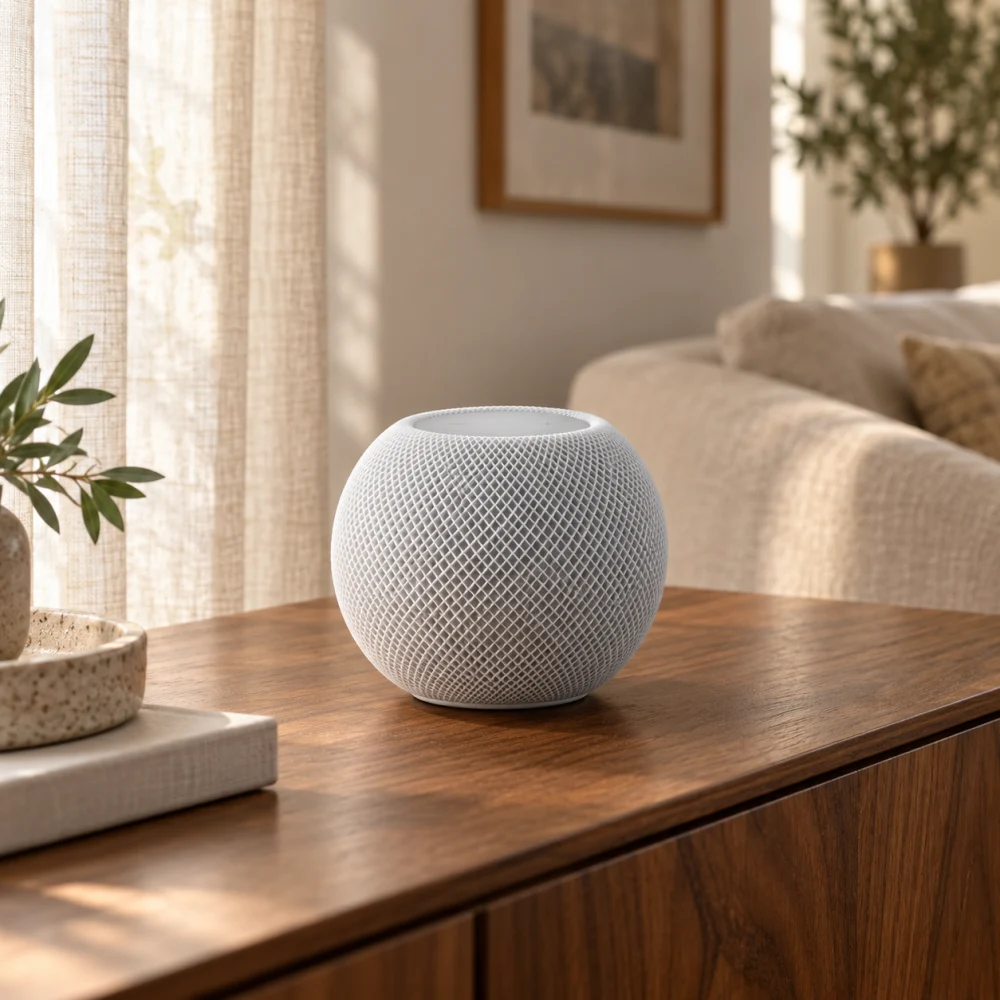
Scripted bilingual dialogue, not a live voice service. No microphone access. HomePod mini illustrates AirPlay output; audio plays through your browser’s current output. Voice-button hardware wiring remains unverified.
01 / FROM VOICE TO REPLY
See your words and the reply.
Listening, thinking, speaking: know what’s happening.
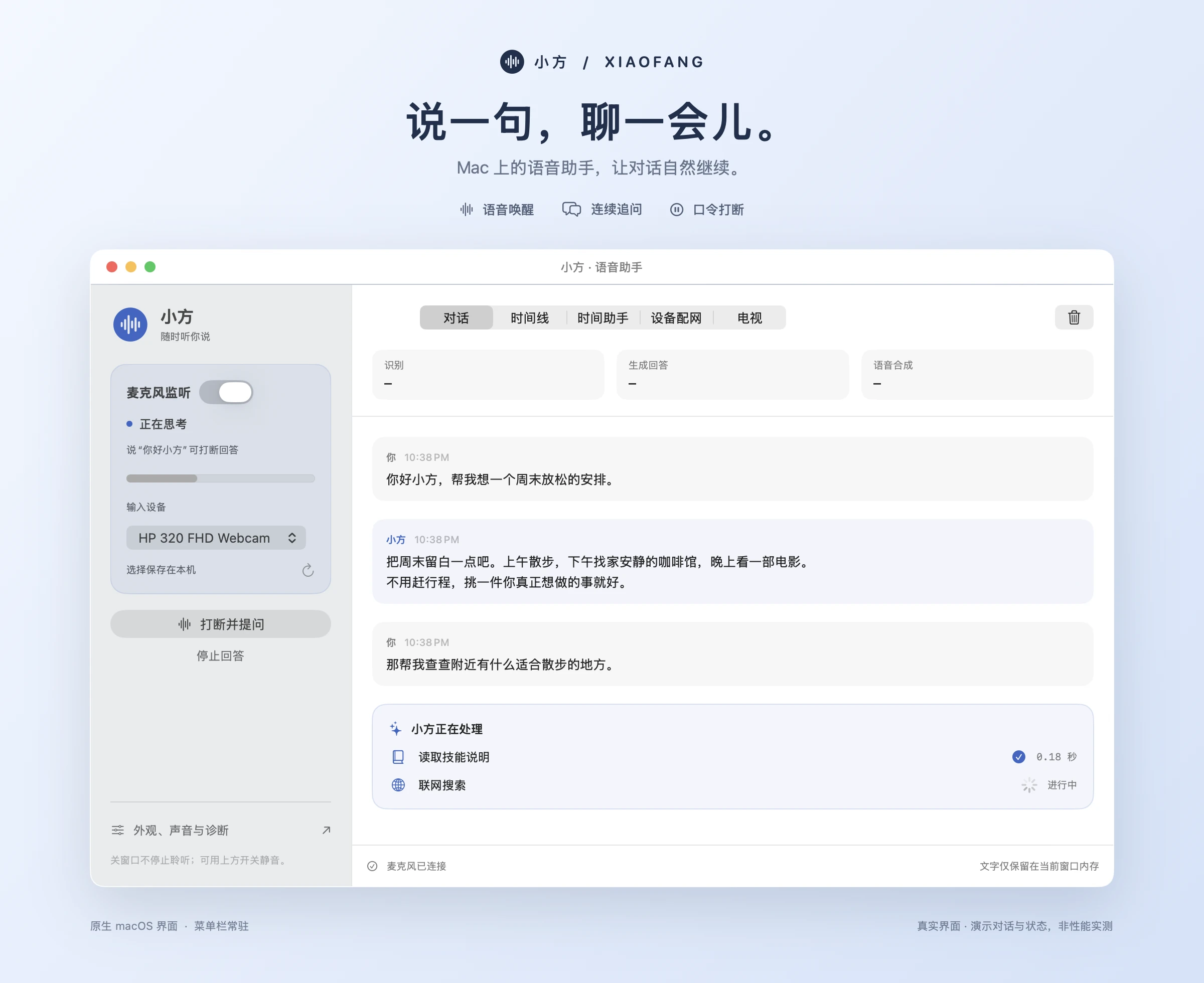
A view of the voice journey—not an App interface.
Wake Xiaofang with the Chinese wake phrase. ReSpeaker sends microphone audio to your Mac over Wi-Fi.
ReSpeaker → MacThe voice engine turns speech into text. Your configured AI model answers, using supported tools when needed.
Speech → AI + toolsHear the spoken response through your Mac or a connected AirPlay speaker. Input and sound can live apart.
Mac → Your speakerClose the window and it stays ready. Reopen it from the menu bar.
Transcripts, replies and progress, together in one window.
Mute stops microphone capture, not just wake-word detection.
02 / NOT A CLOSED SMART SPEAKER
Use current AI models through the engine’s supported providers, with your own account and configuration—not a fixed speaker vendor’s model.
A self-built app, voice engine and device firmware. Extend the tools and workflows in code, instead of waiting for a closed ecosystem to add them.
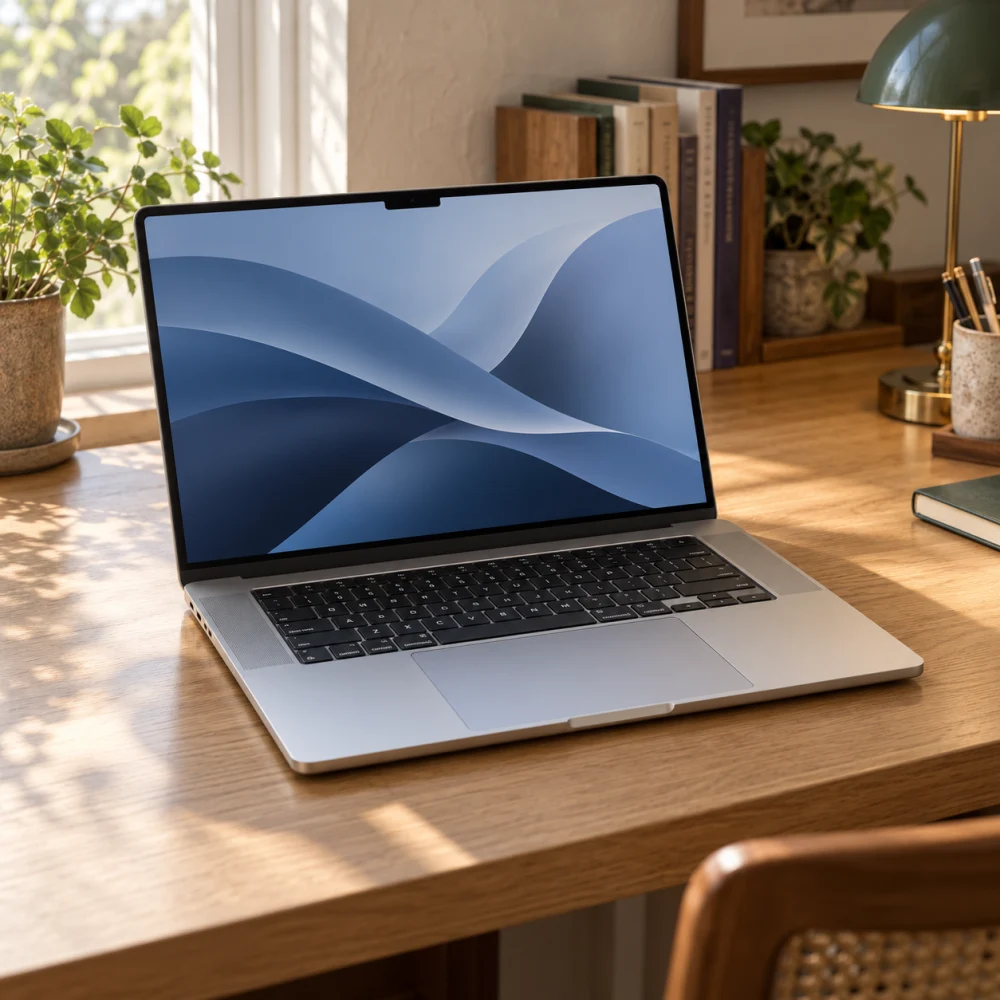
Put ReSpeaker within Wi-Fi coverage where you speak. Play replies through the Mac or a connected AirPlay speaker such as HomePod.
ReSpeaker needs power and network access to the Mac. The Mac must stay awake with Xiaofang running; cloud conversation needs internet access. AirPlay output follows the Mac’s system audio routing.
03 / THE CONVERSATION
No need to start over.
Ask, follow up, or use the wake phrase to change direction.
Follow-up questions keep this conversation’s context. Translated illustration; the wake phrase and supported voice commands are spoken in Chinese.
04 / THE HARDWARE BEHIND THE VOICE
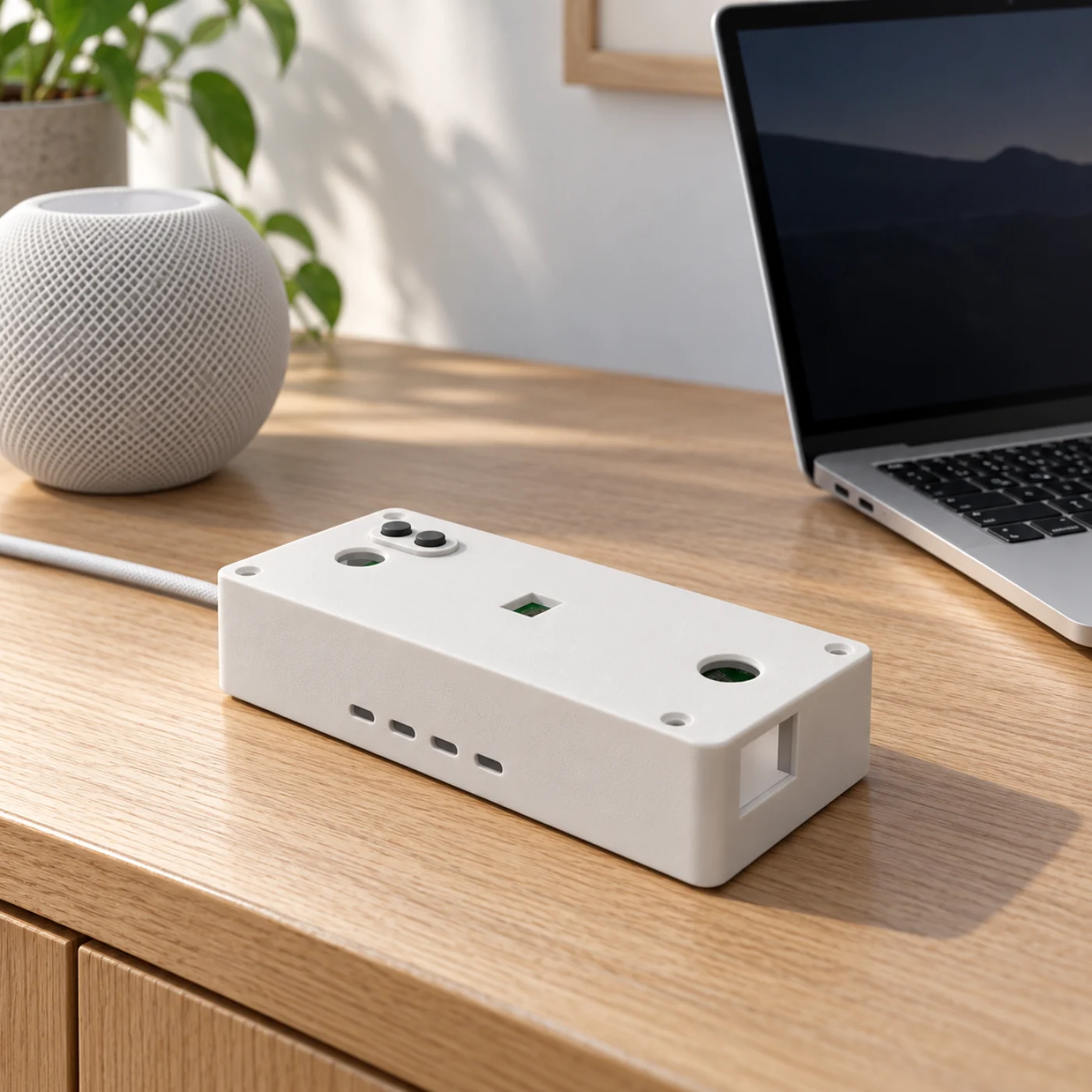
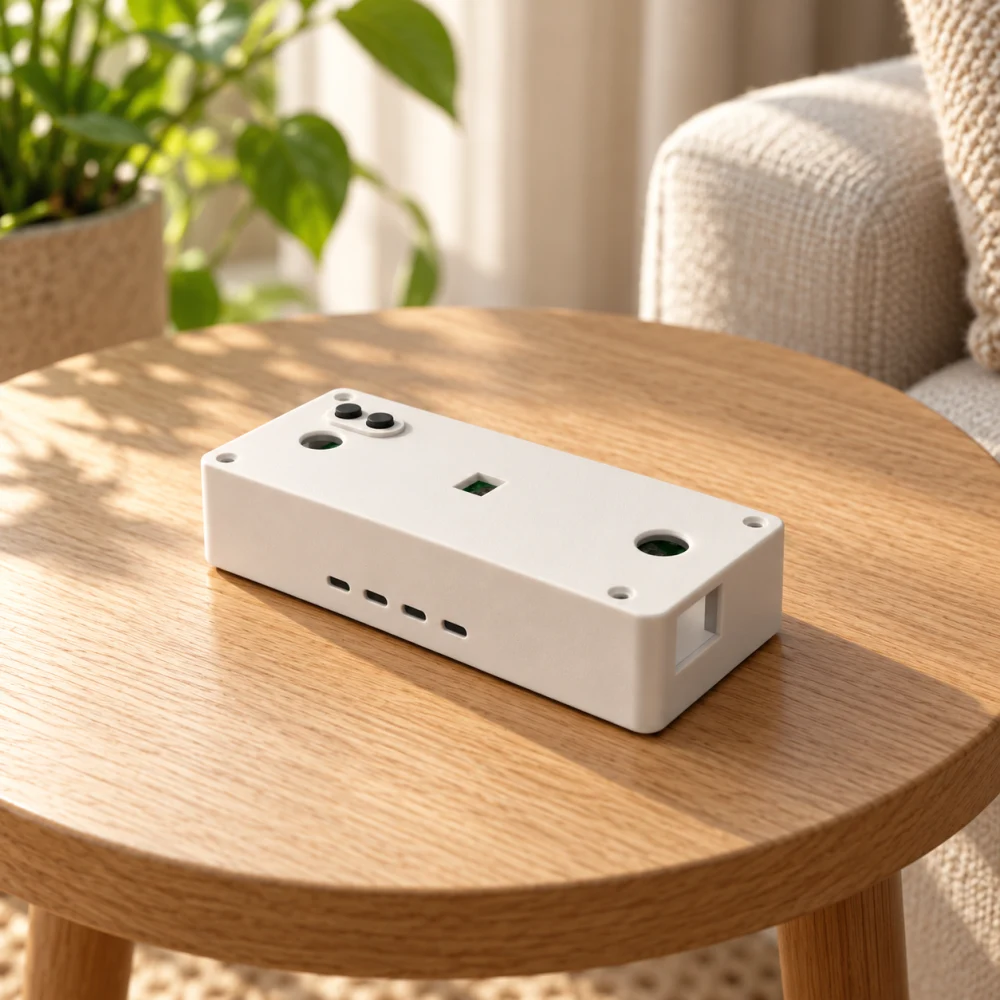
ReSpeaker Lite + XIAO ESP32S3.
A working Wi-Fi microphone that does not have to sit beside your Mac.
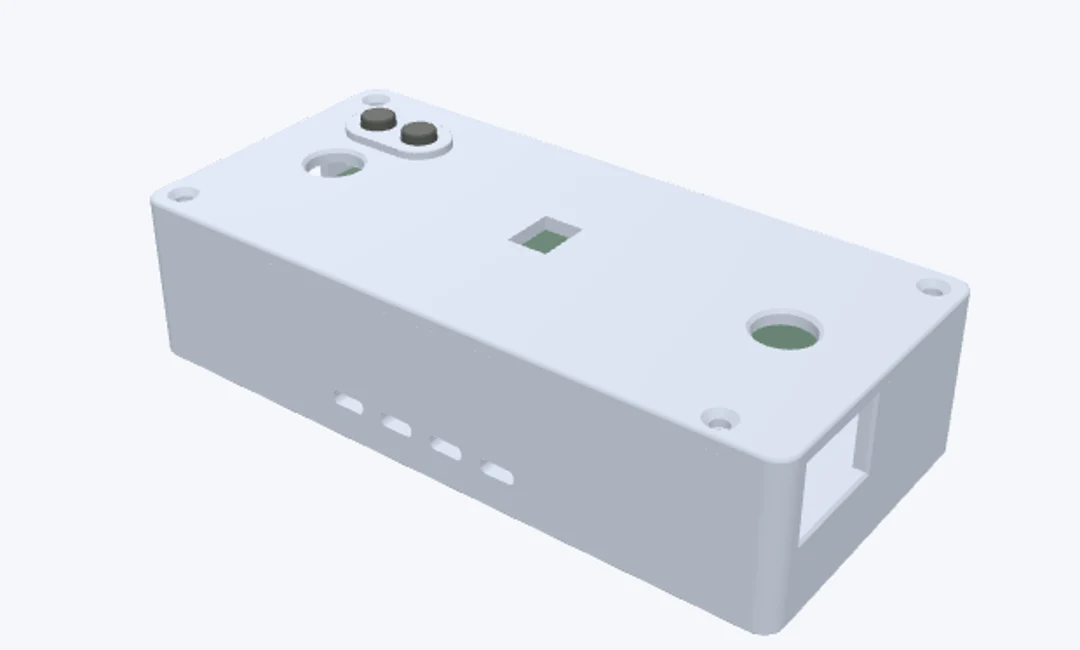
Explore the actual CAD design, not a product photo.
This is the enclosure used in the working setup. Assembly and threaded inserts have been tested by the owner. Supply your own small M2 screws.
INTERACTIVE / 3D
Rotate · Explode · Recolor · Slide
Open the 3D preview ↗About 4 MB to download the 3D model. Supports touch controls.
04 / CLEAR ABOUT THE BOUNDARIES
While waiting for the wake phrase, audio is used for local keyword detection, not continuously uploaded to the cloud.
After wake-up, speech goes to cloud recognition; transcripts generate replies, then synthesized speech. Xiaofang is not fully offline.
App conversations and the timeline live in memory and are not saved on exit. Active timers are stored separately on your Mac.
A FEW THINGS WORTH KNOWING
Xiaofang is built and used as a personal system on Apple Silicon Macs. Setup currently depends on a development environment; there is no public standalone installer, account signup or hardware store.
Wake-up and some controls run locally. Speech recognition, replies and speech synthesis use cloud services. Timers can be used through the app without a microphone or cloud connection.
Say “你好小方” (Ni hao Xiaofang) during a reply to interrupt and ask again, or use the Chinese stop commands “停止”, “暂停” or “退下” to end. This is keyword interruption, not full-duplex interruption by arbitrary speech. Echo and high volume can affect recognition.
Not recommended yet. Timers ring only while your Mac is awake and Xiaofang is running. Alerts are not guaranteed during sleep or shutdown.
No. The Mac app can use an available microphone. ReSpeaker is the wireless option for placing voice input away from the Mac. The 3D view shows the enclosure used in the working setup, not a hardware store.
Xiaofang brings wireless hardware, a Mac app and configurable AI together.
Make the setup fit your home, not the other way around.